Search
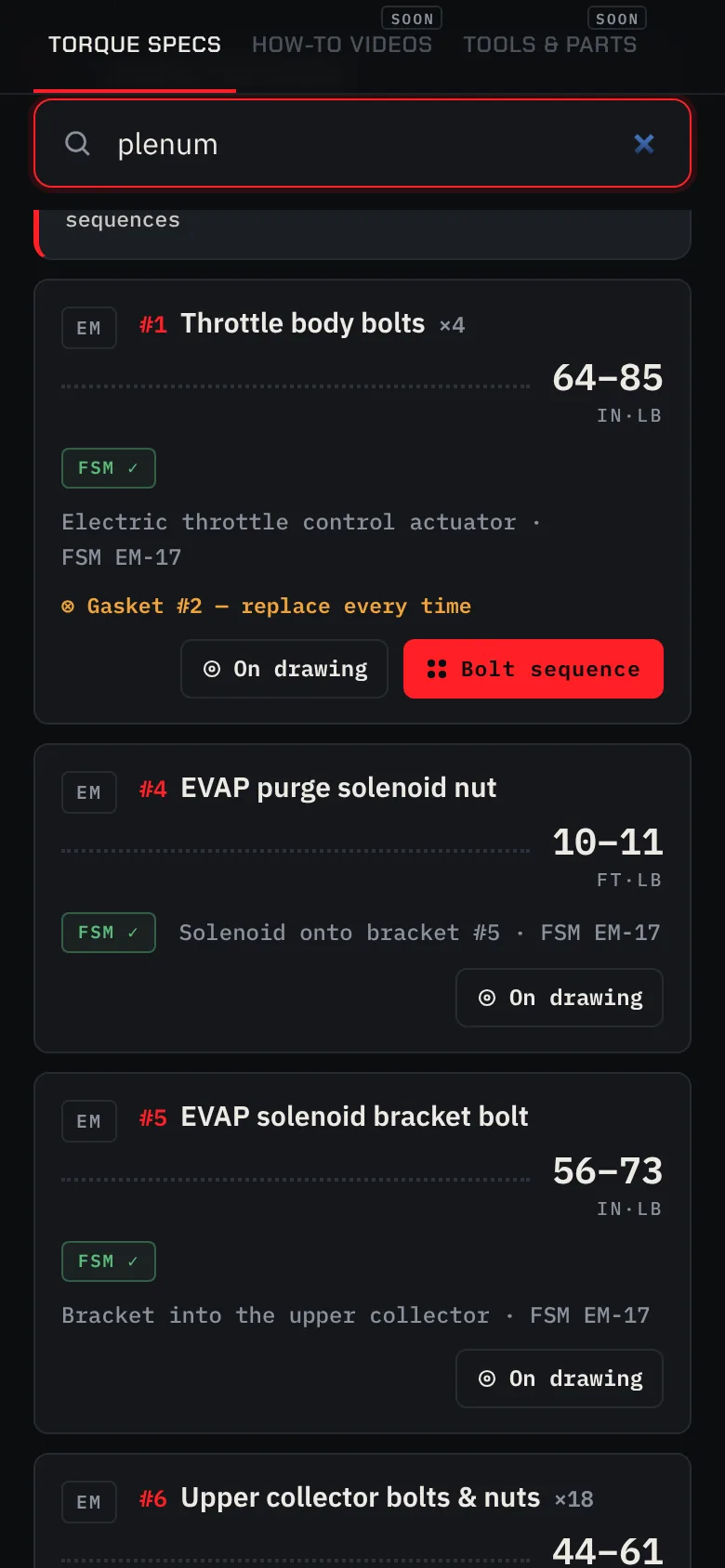
Type the part. Get the number.
Search plenum, lug nuts or valve covers. Every match comes up as a card with its torque, the manual page it came from, and the gaskets and washers you replace every time.
First build · Nissan 350Z · Z33 · VQ35DE
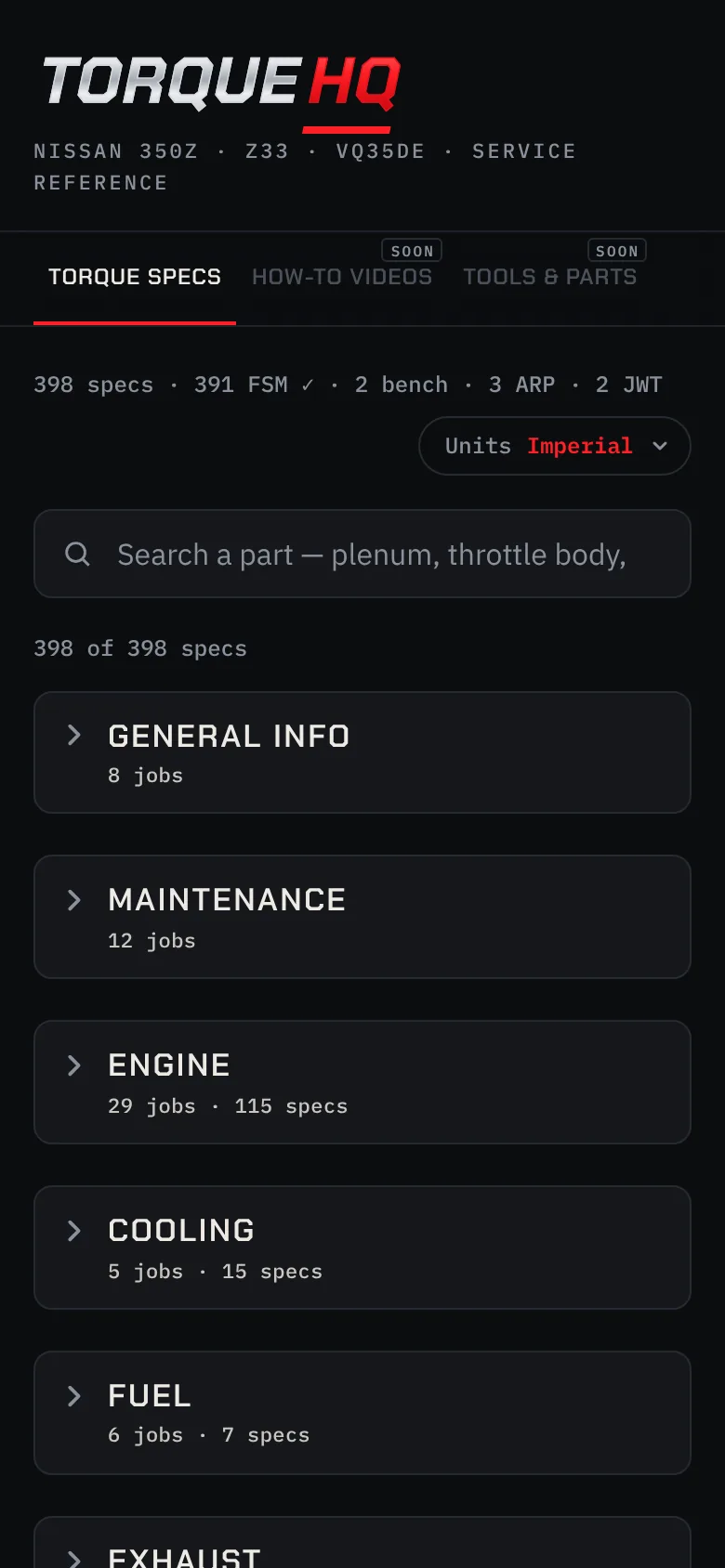
Bolt sequences, removal order and torque specs from the factory manual. Look up a part, set your units, and keep it all on your phone for the garage, signal or not. The Nissan 350Z (VQ35DE) is the first build, with more on the way.
Try it
Five specs from the 350Z build, shown the way a card shows them. Switch the units like you would in the garage.
Torque
The numbers
What's inside
Every screen is a real one from the app.
Search
Search plenum, lug nuts or valve covers. Every match comes up as a card with its torque, the manual page it came from, and the gaskets and washers you replace every time.
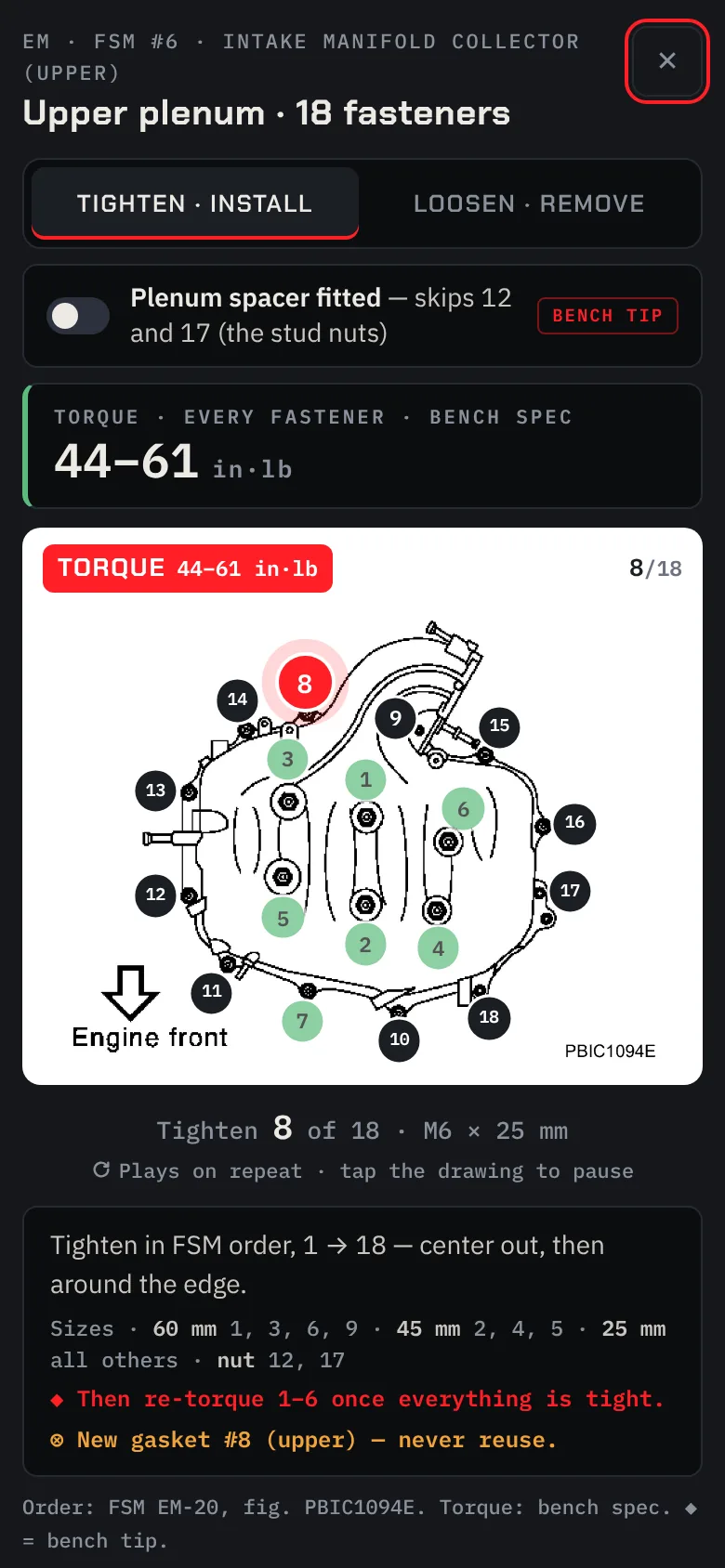
Bolt sequences
The manual's bolt patterns play number by number, in tightening or loosening order, pass by pass. Tap the drawing to pause on the bolt you're at.
Removal order
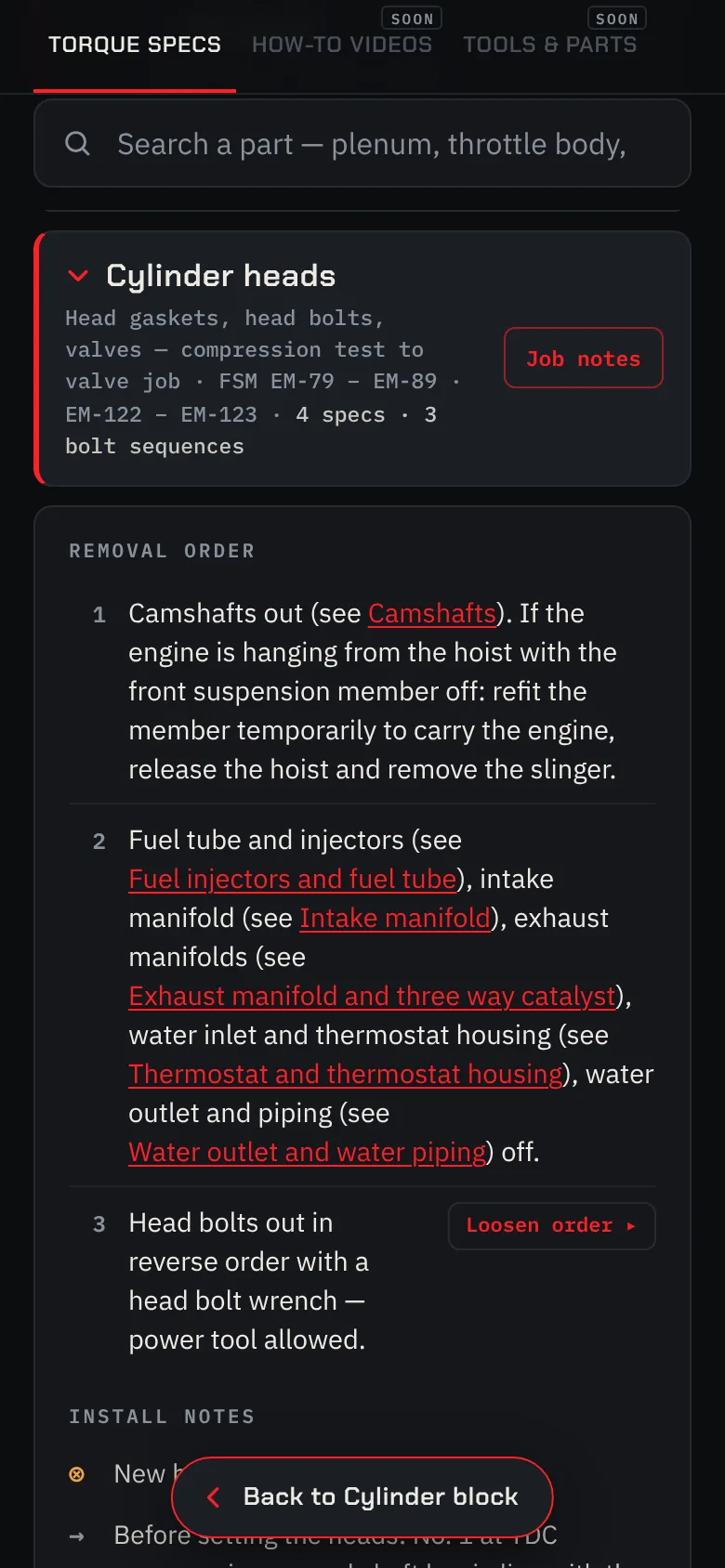
Each job lists what comes off first. Tap the name of another job to jump straight to it, then Back takes you to the step you were on.
Toolbox
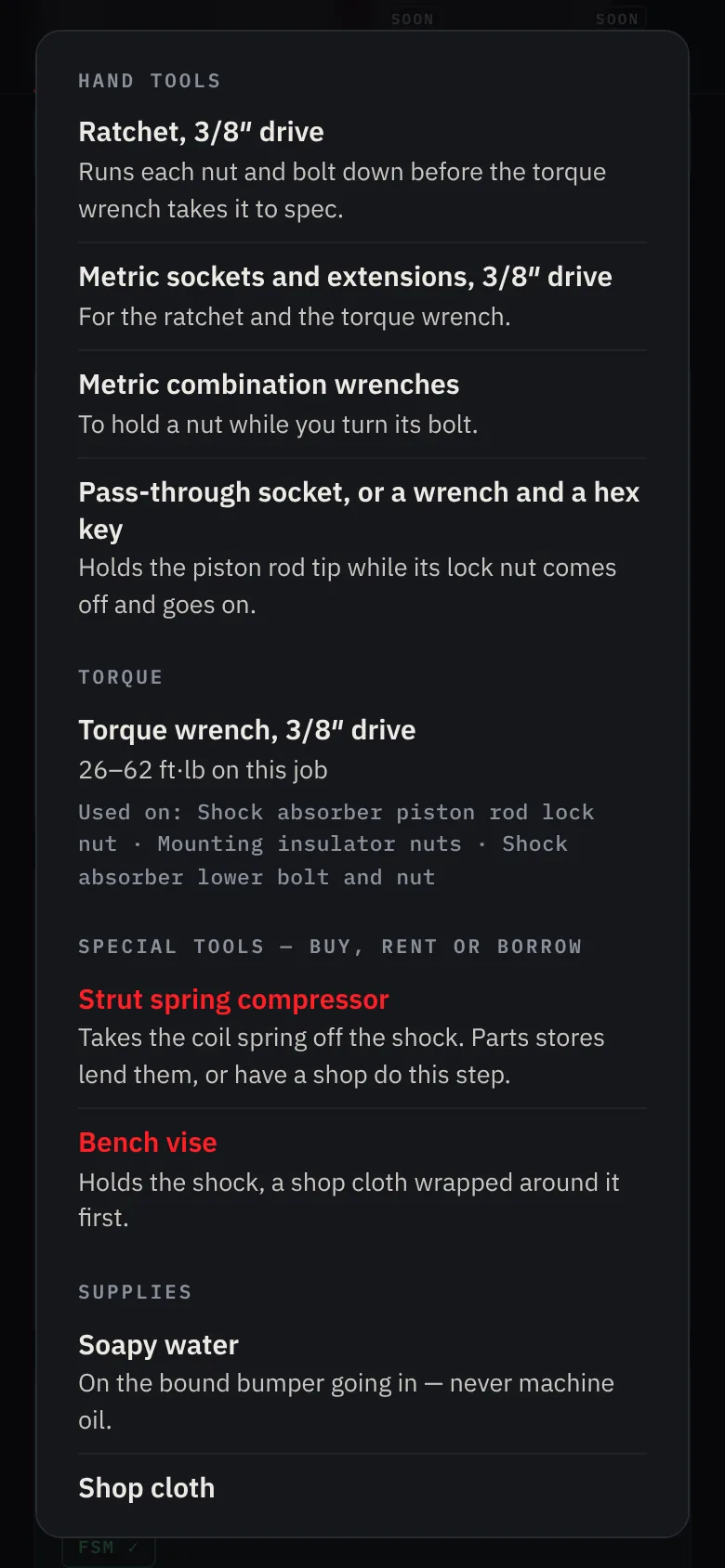
Each job's Toolbox will list the tools you need and the ones that are nice to have, down to which torque wrench each bolt takes. Every size is being checked on a real 350Z before it goes in.
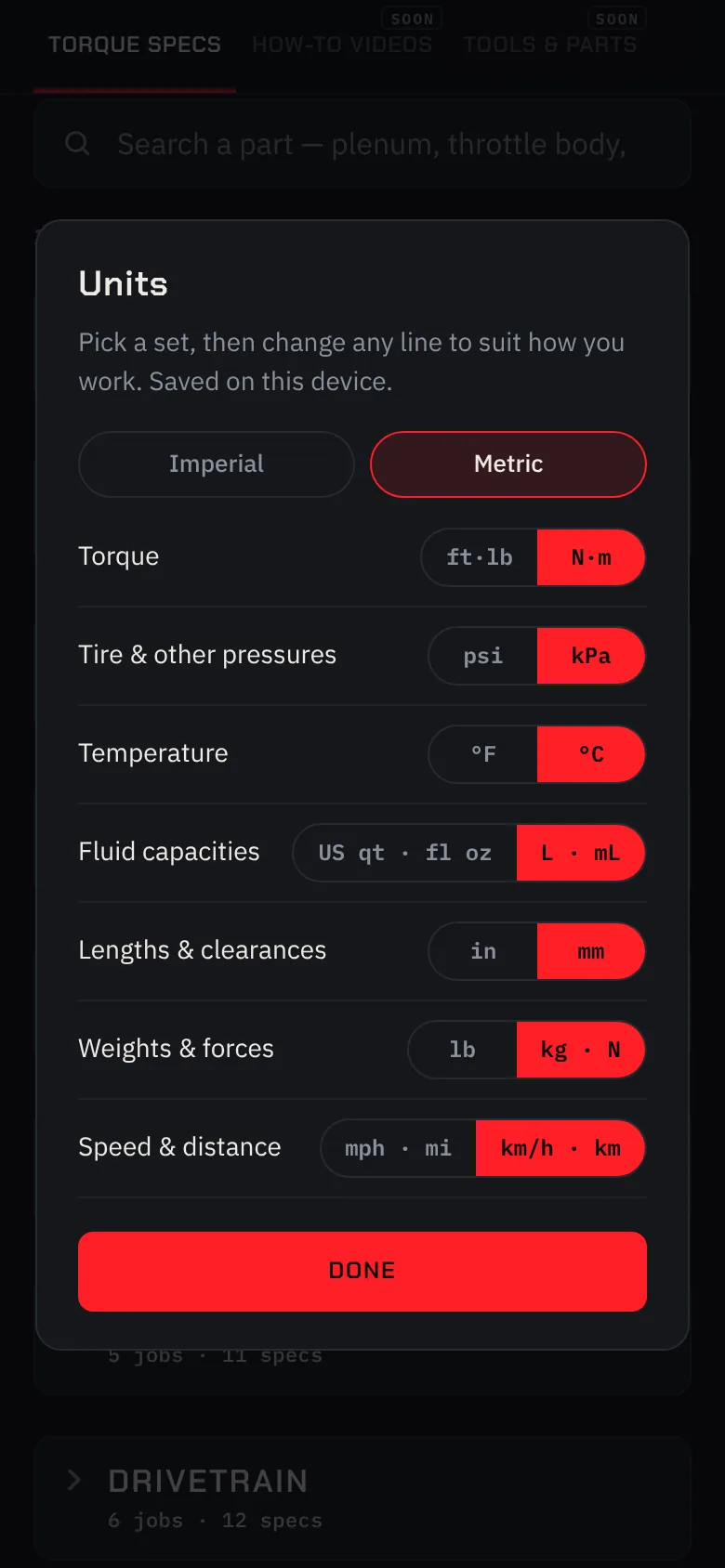
Units
Torque in ft·lb or N·m, pressure in psi or kPa, temperature in °F or °C. Pick Imperial or Metric, then change any line. The app only shows the unit you picked.
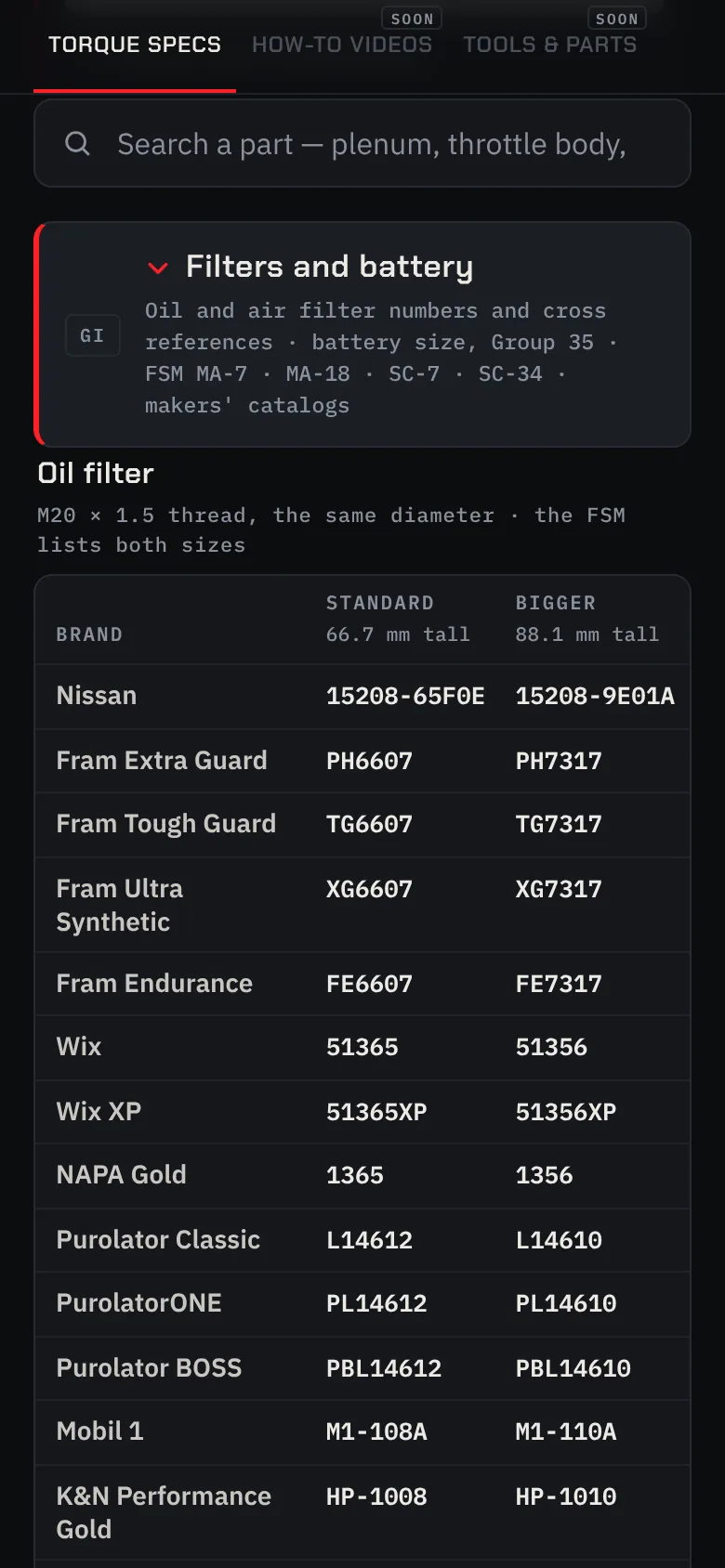
Parts
Oil and air filter numbers from Nissan, Fram, Wix, Purolator, K&N and more, side by side. Plus the battery that fits: a Group 35 with 640 CCA or more.
In the garage
Add it to your home screen from Safari or Chrome and it opens like an app. The whole manual stays on your phone, so it works in a basement garage or at the track. No app store needed, on iPhone or Android.

Where the numbers come from
Each card carries a badge, so you always know if a value came from the manual, from the bench or from a kit maker.
Transcribed from the Nissan factory service manual page cited on the card. 2003 350Z, revised April 2004.
Tested on the bench and labelled that way. Never mixed in with the manual's numbers.
From the kit maker's own instructions, for those parts only, in the manual's order.
Torque applies when tightening. Loosening has no torque spec, only the order. Always check a spec matches your model year.
Open beta · coming soon
The open beta for the 350Z (VQ35DE) build is coming soon. Leave your email and Instagram, and you'll get an invite when it opens. Drive something else? Tell us, so we know which build to do next.
FAQ
The first build is the Nissan 350Z (Z33). Its specs come from the 2003 factory service manual with the VQ35DE engine, so check each one against your model year. The 2007–09 cars have the VQ35HR engine, which is different on top; their build is coming soon.
That's the plan. Torque HQ is built to hold more builds. Tell us what you drive when you join the list; it helps decide which build comes next.
No. It runs in Safari or Chrome. Add it to your home screen and it opens like any other app.
Yes. Once it's on your phone, the whole manual is stored on it, drawings included.
Join the list and we'll look at your build on Instagram. When the open beta starts, you'll get an email with your invite link.
No. Torque HQ is an independent reference and isn't affiliated with or endorsed by Nissan or any other carmaker.